
Laptop Grades Explained: What Grade A, B and C Refurbished Laptops Really Mean
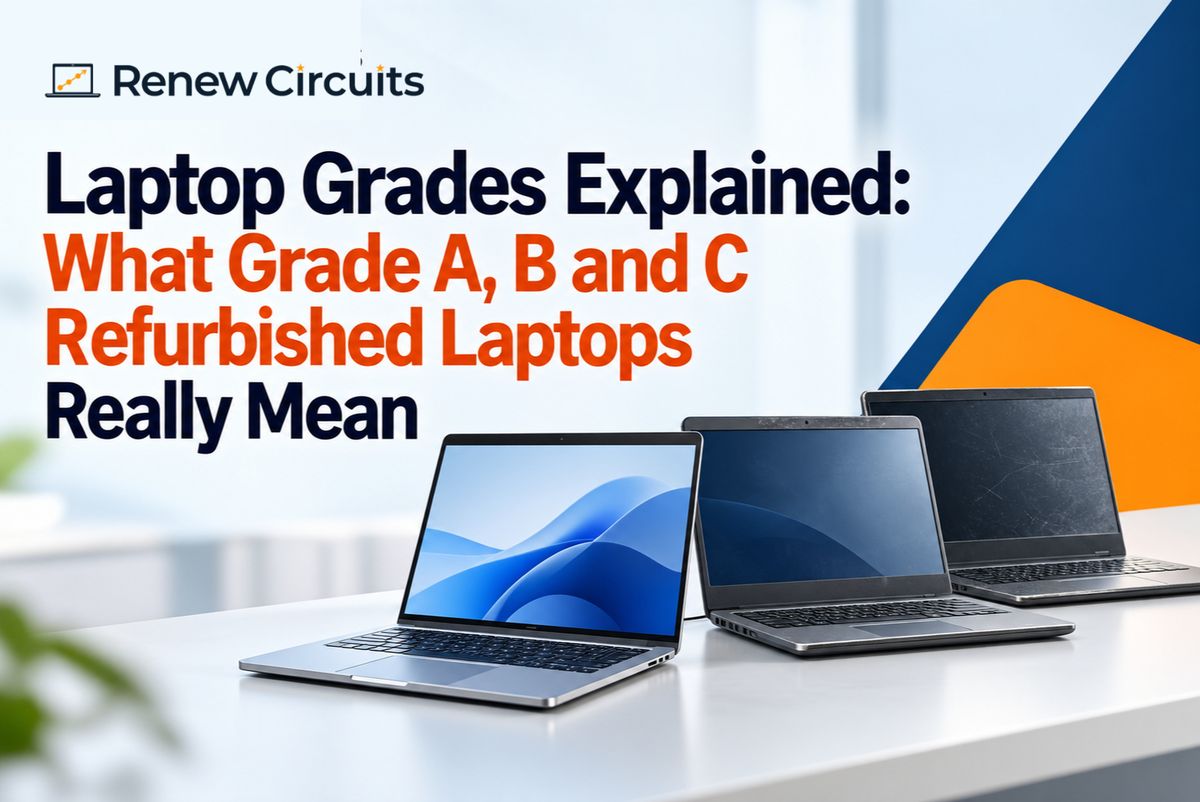
Buying a refurbished laptop can be a practical choice for businesses, startups and professionals in India. But while comparing devices, you may come across terms such as Grade A, Grade B and Grade C.
What do these grades actually mean?
If you have searched for laptop grades explained, the most important thing to understand is that grading usually describes the cosmetic condition of a refurbished device. It should not be treated as a complete measure of performance, reliability or quality.
A Grade B laptop, for example, may show more visible signs of previous use than a Grade A device while still being suitable for everyday business work.
This guide explains common refurbished laptop grades, what buyers should check beyond the grade and how businesses in India can make a more informed purchasing decision.
What Are Refurbished Laptop Grades?
Laptop grades are commonly used to describe the physical or cosmetic condition of previously used devices.
They can help buyers understand how much visible wear they should expect.
However, grading systems can vary between sellers. There is no reason to assume that a Grade A laptop from one supplier will always be identical in condition to a Grade A laptop from another.
That is why businesses should consider the grade alongside specifications, testing, battery condition, warranty and supplier support.
Grade A Refurbished Laptops Explained
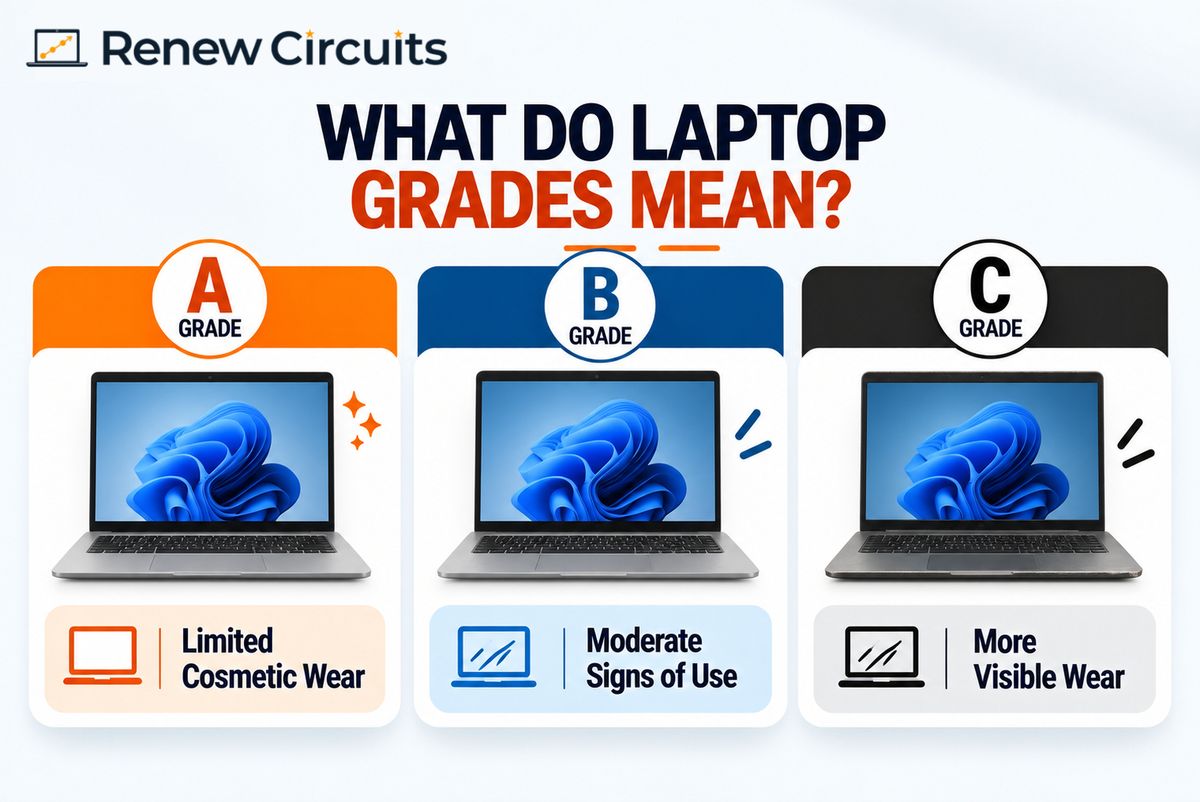
Grade A generally represents refurbished laptops with relatively limited visible signs of previous use.
What Can You Expect From a Grade A Laptop?
Depending on the supplier's grading criteria, a Grade A device may have:
- Limited cosmetic wear
- Minor marks from previous use
- A cleaner overall appearance
- Fully functional essential components
Grade A laptops can be attractive for organisations where device appearance is important, particularly for client-facing employees or leadership teams.
However, businesses should still check the actual specifications and warranty rather than choosing a laptop based on its grade alone.
Grade B Refurbished Laptops Explained
Grade B laptops generally show more visible cosmetic wear than Grade A devices.
This might include scratches, marks or other signs of previous use that do not necessarily prevent the laptop from performing its intended function.
Are Grade B Laptops Good for Office Work?
They can be, provided the device has been properly tested and its specifications meet the employee's requirements.
For back-office employees, operations teams, customer support teams or other users where cosmetic appearance is less important, Grade B devices may be worth considering.
The key is to separate cosmetic condition from functional performance.
Grade C Refurbished Laptops Explained
Grade C generally refers to devices with more noticeable signs of previous use.
These may have heavier scratches, marks or cosmetic wear compared with higher grades.
Should Businesses Buy Grade C Laptops?
That depends on the supplier's grading standards, device condition and intended use.
A business considering Grade C devices should ask for clear information about cosmetic condition, functional testing, battery condition and warranty before making a purchase.
A lower cosmetic grade should never be used as a reason to overlook functional requirements.
Grade A vs Grade B vs Grade C Laptops
The easiest way to understand refurbished laptop grades is to think of them primarily as a guide to cosmetic condition.
Grade A
Generally suitable for buyers who place greater importance on appearance and want devices with relatively limited visible wear.
Grade B
May suit businesses that can accept moderate cosmetic wear where functionality and specifications are more important than appearance.
Grade C
Typically shows more visible signs of previous use and should be evaluated carefully according to the supplier's grading criteria.
The important point is that Grade A does not automatically mean better performance.
A Grade B laptop with specifications suited to an employee's workload may be a better business purchase than a Grade A laptop with unsuitable hardware.
Does Laptop Grade Affect Performance?
Not necessarily.
A laptop's cosmetic grade and technical performance are different considerations.
Performance depends more directly on factors such as:
- Processor model and generation
- RAM
- SSD storage
- Operating system
- Thermal performance
- Component condition
- Application requirements
When comparing refurbished laptops, businesses should evaluate these factors alongside cosmetic grade.
For example, choosing a visually cleaner laptop does not provide much value if its specifications cannot support the applications your employee uses every day.
What Should You Check Beyond the Laptop Grade?
Understanding the grade is useful, but it should only be one part of the buying decision.
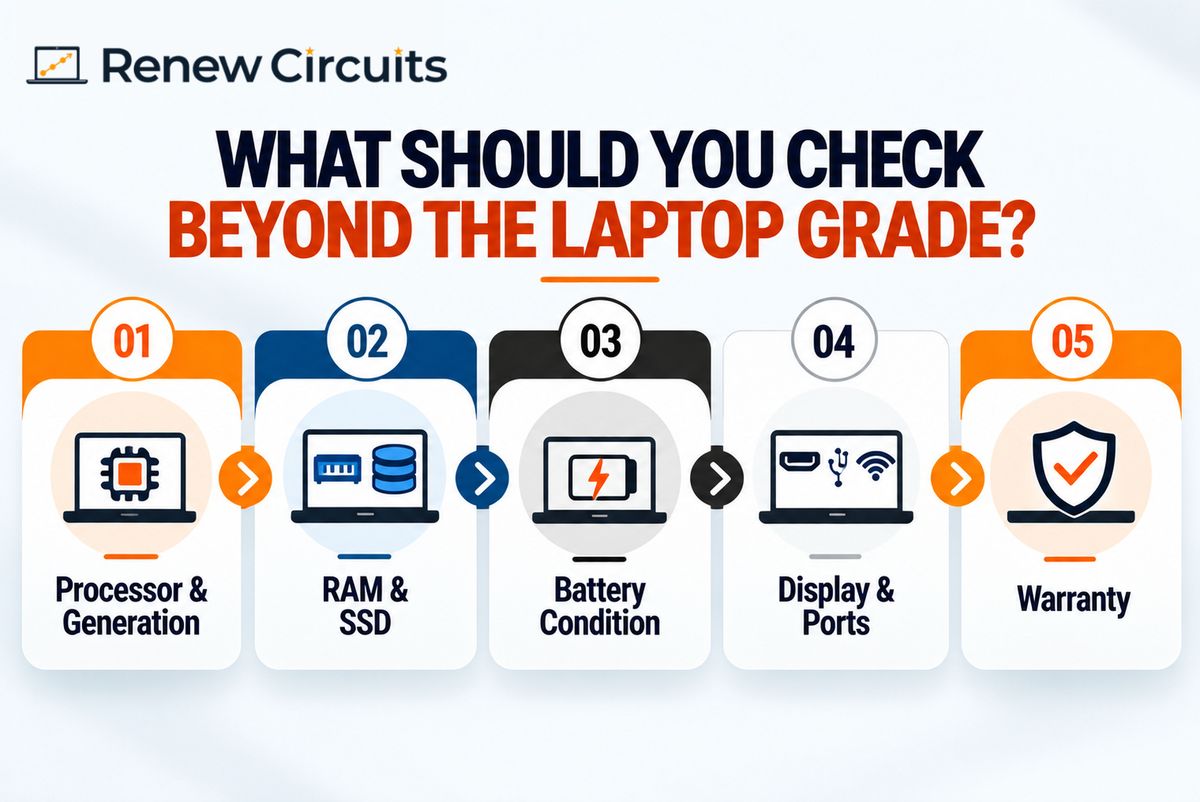
Processor and Generation
Do not evaluate processors using only labels such as Core i5 or Core i7.
Check the exact processor and generation to better understand whether it meets your workload requirements.
RAM and SSD
Consider how much memory employees need for multitasking and how much local storage their applications and files require.
For business use, requirements should be based on actual workloads rather than choosing the highest available specifications.
Battery Condition
Battery condition is especially important for employees who work remotely or travel frequently.
Ask the supplier how battery condition is evaluated rather than assuming the laptop grade tells you everything about battery performance.
Display, Keyboard and Ports
Check whether essential components have been tested, including:
- Display
- Keyboard
- Trackpad
- Webcam
- Wi-Fi
- Bluetooth
- USB ports
- Display outputs
- Audio
Warranty
Warranty is particularly important when purchasing refurbished hardware for a business.
Understand the warranty duration, what is covered and how repair or replacement claims are handled.
Which Laptop Grade Is Best for Businesses?
There is no single grade that is best for every company.
The right choice depends on where the laptop will be used and how important cosmetic appearance is for that employee.
Client-Facing Employees
Companies may prefer devices with cleaner cosmetic condition for employees who frequently meet customers, partners or investors.
Back-Office Teams
For operations, finance, HR, customer support and other internal teams, businesses may decide that performance and specifications are more important than minor cosmetic marks.
Temporary or Project Teams
For short-term requirements, businesses should also compare purchasing with laptop rental before adding permanent devices to their inventory.
How Businesses Should Compare Refurbished Laptop Suppliers
For larger purchases, comparing laptop grades alone is not enough.
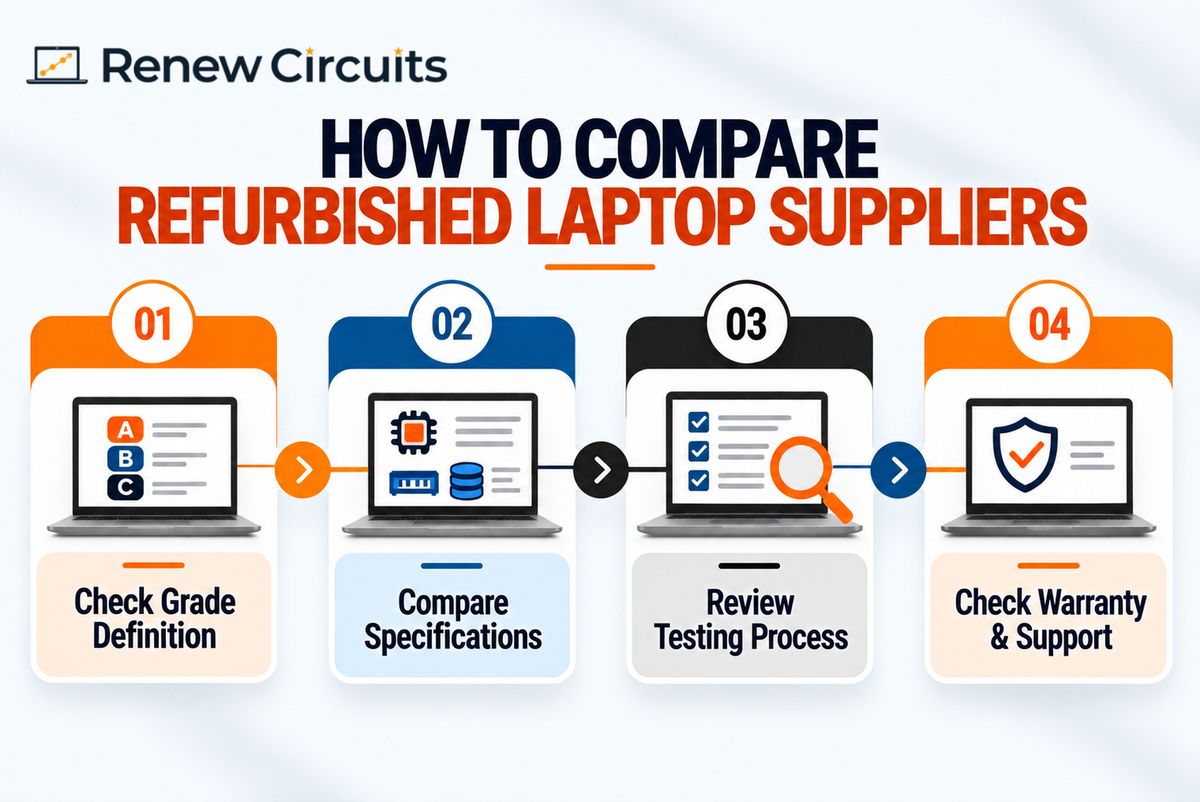
Ask How the Supplier Defines Each Grade
Request a clear explanation of what Grade A, Grade B and Grade C mean according to that particular supplier.
Compare Identical Specifications
When comparing quotations, check that laptops have similar processors, RAM, SSD capacity, displays and operating systems.
Otherwise, price differences may be caused by hardware specifications rather than cosmetic grades.
Understand the Testing Process
Ask how laptops are inspected and tested before being sold.
Businesses purchasing multiple devices should understand the functional standards expected across the order.
Review Warranty and Support
Check the warranty and after-sales process before approving a larger purchase.
Companies planning multiple-device procurement can also evaluate bulk laptop requirements according to required specifications and quantity.
Common Mistakes When Comparing Laptop Grades
Understanding these mistakes can help businesses avoid choosing devices based on the wrong criteria.
Assuming Grade A Means the Fastest Laptop
Grade usually relates primarily to physical condition, not processor speed or overall performance.
Choosing Grade Based Only on Price
A lower-priced device is not automatically better value.
Specifications, condition, testing, warranty and intended use should all be considered.
Ignoring Battery Condition
Cosmetic appearance does not tell you everything about the battery.
Ask how battery condition is assessed before purchasing.
Comparing Grades Across Suppliers Without Checking Definitions
One seller's grading standards may differ from another's.
Always understand what each supplier means by Grade A, B or C before comparing quotations.
A Simple Checklist Before Buying a Graded Refurbished Laptop
Before purchasing, check:
- Laptop grade
- Supplier's definition of that grade
- Cosmetic condition
- Processor and generation
- RAM
- SSD capacity
- Battery condition
- Display
- Keyboard and trackpad
- Webcam
- Wi-Fi and Bluetooth
- Required ports
- Operating system
- Functional testing
- Warranty
- After-sales support
For business orders, also consider whether similar specifications and grades can be supplied consistently across multiple devices.
Buying Refurbished Laptops for Your Business
Understanding laptop grades makes it easier to compare refurbished devices, but the grade should never be the only factor behind your decision.
Businesses should first identify what employees need from their laptops. Then compare specifications, functional condition, cosmetic grade, warranty and supplier support.
Renew Circuits works with businesses looking for refurbished laptop solutions based on different employee and procurement requirements.
Need laptops for your office or growing team? Contact Renew Circuits to discuss your required quantity, specifications and device requirements.
Frequently Asked Questions
1. What do Grade A, Grade B and Grade C mean in refurbished laptops?
These grades generally describe different levels of cosmetic condition. Grade A typically indicates less visible wear, while Grade B and Grade C may show progressively more signs of previous use. Exact grading standards can vary between suppliers.
2. Is a Grade A refurbished laptop better than Grade B?
A Grade A laptop may have better cosmetic condition, but that does not automatically mean better performance. Compare the processor, RAM, SSD, battery condition, testing and warranty as well as the cosmetic grade.
3. Are Grade B laptops good for office use?
Grade B laptops can be suitable for office work if their specifications and functional condition meet employee requirements. Businesses should check how the supplier defines Grade B and what testing and warranty are provided.
4. Does laptop grade tell you the battery condition?
Not necessarily. Cosmetic grading should not be assumed to represent battery health. Buyers should ask the supplier how battery condition is assessed separately.
5. Which refurbished laptop grade should a business buy?
The right grade depends on the intended use. Businesses may prioritise cleaner cosmetic condition for client-facing employees while accepting more visible wear for internal teams if the devices meet functional and performance requirements.
6. Are refurbished laptop grades standard across all sellers?
No. Grading criteria can vary between sellers, so buyers should always ask what each grade means before comparing devices or quotations.