
Certified Refurbished Laptops in India: What the Label Really Means

Two refurbished laptops can look identical on a listing. Same brand, same i5, same 16 GB RAM, same price. One went through a full test cycle. The other was wiped down, switched on once and photographed.
Both are sold as 'certified'.
If you're shopping for a certified refurbished laptop in India, that gap is the whole problem. No government grade sits behind the word, so it means whatever the seller decides. This guide covers what the label should include, what to ask before you pay, and how to spot a claim with nothing behind it. It's written for teams buying 10 or 100 machines, but it works just as well for one.
What 'certified refurbished' actually means
Here's the catch: in India, 'certified refurbished' is not a regulated grade. There's no official body that stamps every laptop. One seller follows a documented test process. Another uses the word because it sells better.
So don't be reassured by the label. Ask what was tested, and ask who did the testing.
These three terms get mixed up constantly:
Term
What it usually means
What to ask
Used
Resold as-is, often with little or no testing
What's the condition? Any warranty at all?
Refurbished
Inspected and repaired or cleaned before resale
Which parts were replaced? What was tested?
Certified refurbished
The seller or a program says it passed defined checks
Can I see the checklist and a test report?
A well-tested refurbished laptop with a written report beats a 'certified' one with no explanation. Every time.
Who actually certifies it?
The word can mean three different things.
Seller-certified. The refurbisher checks laptops against its own internal list. This is the most common kind. It's only as good as the list, so ask to see it.
Manufacturer-certified. Some brands run their own refurbished programmes, with set inspection standards and warranty terms. Not every refurbished Dell or Lenovo you see online comes from one. A brand name on the lid doesn't mean the brand did the refurbishing.
Third-party standards. Some refurbishers hold quality-management or data-security certifications. That's a good sign about the company's processes. It does not mean each laptop was individually certified.
The practical rule: ask what exactly is certified, who issued it and what it covers.
What a proper quality check covers
A laptop that boots is not a laptop that works. A real check goes further.
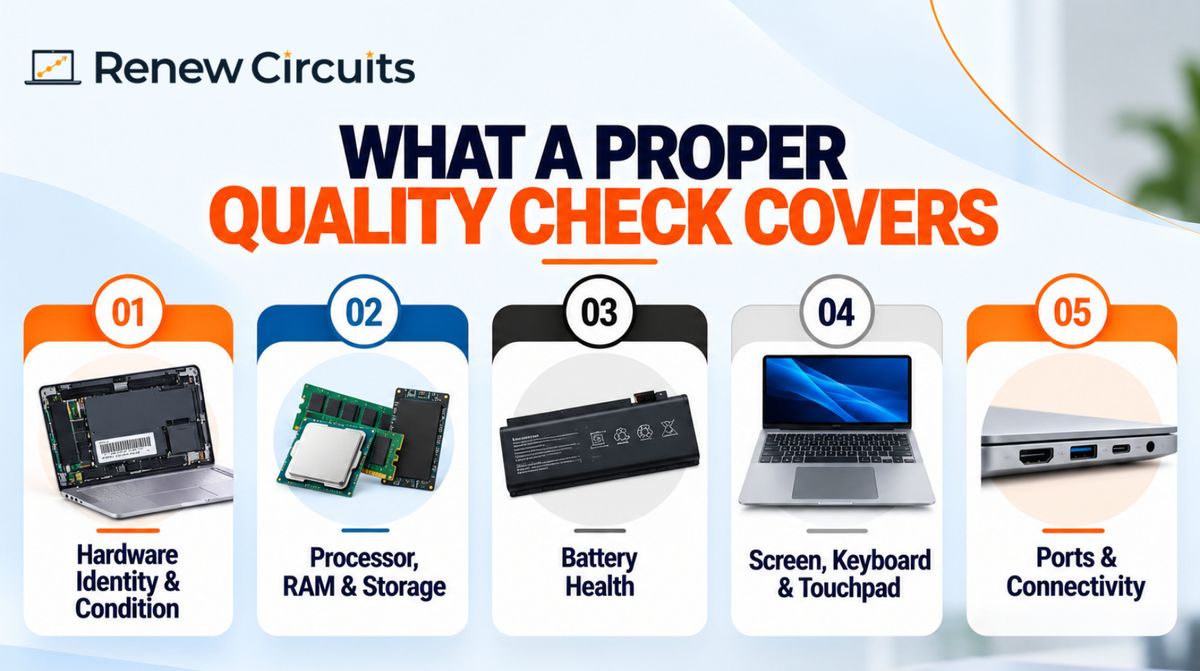
Hardware identity and condition. The model and configuration should match the listing. If your IT team ordered 16 GB RAM and a 512 GB SSD, someone should have confirmed that before dispatch, not after you open the box.
Processor, RAM and storage. Stress tests, memory tests and drive-health checks. Ask how long the stress test runs. [Add your real test tools and duration here.]
Battery. Covered in its own section below, because it's the part most sellers skip.
Screen, keyboard and touchpad. Dead pixels, sticky keys, a touchpad that ghost-clicks. Nobody notices these on a product page. Everybody notices them on day three.
Ports and wireless. USB, HDMI, Wi-Fi, Bluetooth, webcam, mic and speakers. If your team lives on video calls, a dead microphone is a real problem.
Data wiping and OS. The drive should be securely erased and a clean, licensed operating system installed. More on that below.
Battery: ask for a number
Battery is where refurbished laptops most often disappoint. A machine can run perfectly while plugged in and die in 40 minutes unplugged.
Don't accept 'battery tested.' Ask two things:
- What's the battery health, as a percentage of original capacity?
- What's the lowest percentage the seller will ship?
At Renew Circuits, the minimum is [add your real threshold]. Anything below it is replaced before sale. [Confirm this matches your actual process before publishing.]
If a seller can't answer, assume there's no threshold.
Windows 11 changes what you should buy
Microsoft ended Windows 10 support in October 2025. That turns processor generation into a buying decision, not just a spec line. Windows 11 generally needs a recent processor (in practice, 8th-generation Intel or newer, or the AMD equivalent) and TPM 2.0. Before you order, ask the seller to confirm in writing that every model in your order runs Windows 11.
This is the mistake we see most often. Two laptops both say ‘Core i5.’ One is 6th generation and can’t run Windows 11 properly. The other is 10th generation and can. Always ask for the exact generation, or the full model number.
Cosmetic grade is not the same as condition
Many sellers use Grade A, B and C for how a laptop looks.
- Grade A: little visible wear
- Grade B: moderate scuffs or scratches
- Grade C: heavy visible wear
There's no universal definition. One seller's Grade A is another's Grade B. And a laptop that looks brand new can still have a tired battery, while a scratched lid can hide a perfectly healthy machine.
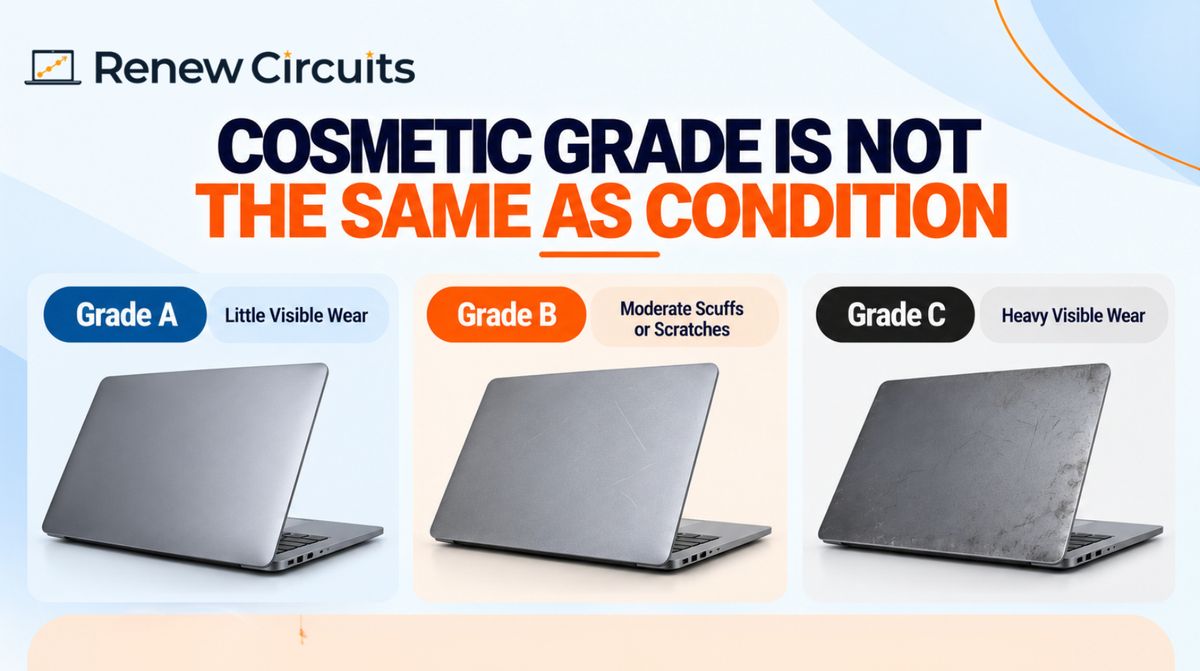
So check both: the cosmetic grade and the functional test results. Ask for photos of the actual units, especially on bulk orders.
Data wiping: the question businesses forget
A used laptop may once have held someone’s files, logins or client data. A quick format isn’t enough, because deleted data can often be recovered.
Ask how drives are erased. A proper wipe overwrites the data with a recognised sanitisation method, and a quick format doesn’t count. Also ask whether you’ll get an erasure certificate or report per device. If you handle client data, this matters more than the processor.
Neither section has an external link now. The doc I created already has both fixes, so you can copy from there instead.
Warranty: read the terms, not the headline
'One-year warranty' sounds great. The details decide whether it's worth anything.
- What's covered: motherboard, screen, keyboard, battery?
- What's excluded: accidental damage, liquid damage, battery wear?
- Repair or replacement? How long does it take?
- Where is service available? Is there pickup from your office, or do you ship it yourself?
Renew Circuits offers a one-year warranty on its certified refurbished laptops, subject to the stated terms and exclusions. [Link to your warranty page and make sure this line matches it exactly.]
Get the terms in writing before you pay, whoever the seller is.
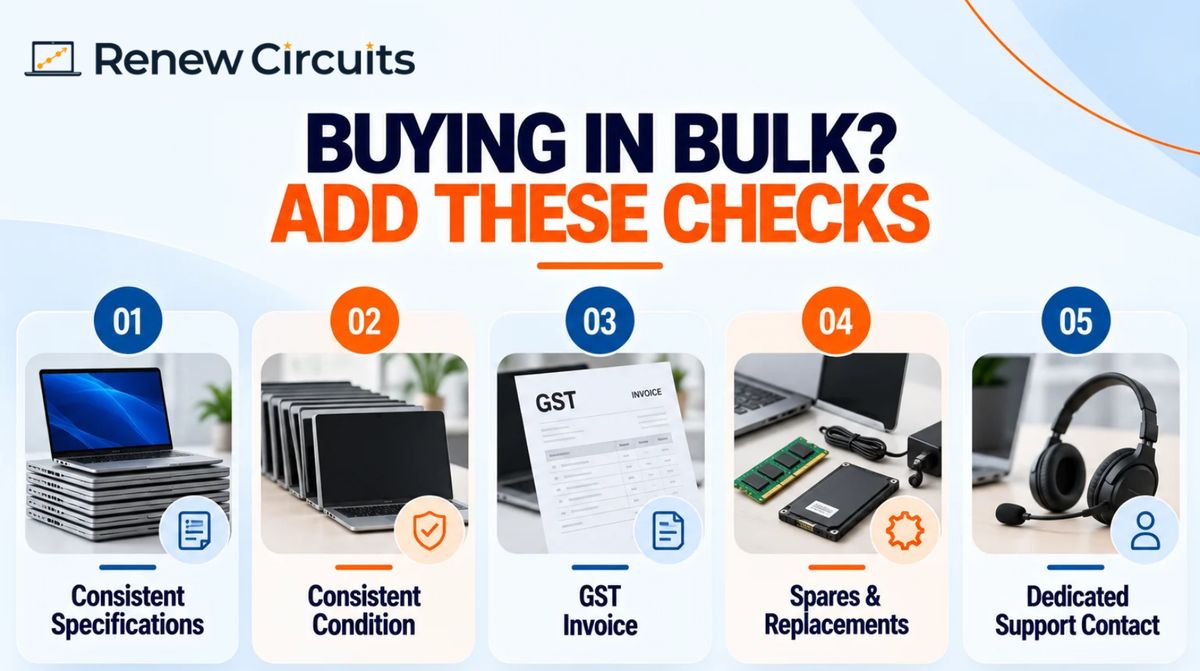
Buying in bulk? Add these checks
Ordering 20, 50 or 100 laptops changes the risk. One bad unit is an inconvenience. Ten bad units is a delayed onboarding week.
- Consistent specs. Every unit should match the agreed processor, RAM and storage. Ask for a serial-number list before dispatch.
- Consistent condition. Agree the cosmetic grade and minimum battery health in writing.
- GST invoice. Confirm it's issued, and check the tax treatment with your accountant.
- Spares and replacements. What happens when two units fail in month three?
- One support contact. Not a generic helpline.
If you're planning a larger rollout, our enterprise team can talk through configurations, or you can send us your bulk requirement directly.
Mistakes to avoid
Assuming 'certified' means manufacturer-approved. Often it's the seller's own stamp.
Buying on looks. A clean lid says nothing about the battery or the SSD.
Ignoring processor generation. See the Windows 11 section above.
Skipping the warranty exclusions. Batteries and accidental damage are the usual gaps.
Paying before seeing a test report. If a seller won't share one, that's your answer.
A quick checklist before you order
- Who certified it, and against what criteria?
- Exact processor model and generation
- RAM and storage type and size
- Battery health percentage and minimum threshold
- Cosmetic grade definition, with photos
- Data erasure method and certificate
- OS and licence details
- Warranty length, coverage, exclusions and claim process
- GST invoice and delivery terms
- Spec consistency across the whole order
Is certified refurbished worth it?
For most offices, yes, if the seller can back the word up. Refurbished business-class laptops (ThinkPad, Latitude, EliteBook and similar) are built for heavy daily use, and buying them used can cost noticeably less than new. [Add a real price comparison from your own catalogue and verify it before publishing.]
Buy on the evidence, not the label. If you want to see what that looks like, browse our refurbished laptops and ask us for the test report on any unit you're considering.
Need laptops for your team? Talk to Renew Circuits about models, quantities and warranty terms, and get a quote for your order.
Frequently asked questions
What is a certified refurbished laptop?
It's a used laptop that has been inspected, tested and prepared for resale under a defined process. What 'certified' means depends on who's doing the certifying, so ask the seller for their checklist.
Who certifies refurbished laptops in India?
Usually the seller or refurbisher. Some manufacturers run their own programmes. No single authority certifies every refurbished laptop sold in India.
Is certified refurbished the same as new?
No. The laptop has been used before. It may show cosmetic wear, and battery life and warranty terms can differ from a new device.
Are refurbished laptops reliable?
They can be, when the seller tests properly and offers clear warranty terms. Check battery health, specifications and after-sales support rather than trusting the label.
Can refurbished laptops run Windows 11?
Many can, but it depends on the processor generation and TPM support. Check the exact model against Microsoft's current requirements before buying.
What should businesses check before a bulk order?
Specification consistency, battery threshold, cosmetic grade, data erasure, warranty terms, GST invoicing and who handles support.