
Corporate Laptop Procurement: A Complete Guide for Businesses
Buying laptops for a business is not simply about choosing a model and placing an order. When a company needs devices for multiple employees, every decision—from specifications and standardisation to warranty and lifecycle costs—can affect IT budgets and day-to-day operations.
A structured corporate laptop procurement strategy helps businesses select the right devices, control costs and simplify IT management across teams.
Whether you are equipping a growing startup, onboarding new employees, replacing ageing hardware or managing a large device fleet, this guide explains how to approach laptop procurement more effectively.
What Is Corporate Laptop Procurement?
Corporate laptop procurement is the process businesses use to identify, evaluate, purchase and deploy laptops for employees and teams.
Unlike an individual laptop purchase, laptop procurement for companies usually involves several stakeholders and considerations, including:
- Number of employees requiring devices
- Employee roles and workloads
- Hardware specifications
- Operating system requirements
- Security and software compatibility
- Budget per device
- Supplier capabilities
- Warranty and support
- Delivery and deployment timelines
- Future upgrades and replacements
For larger organisations, laptop purchasing often forms part of a broader IT hardware procurement strategy covering the entire lifecycle of workplace technology.
Why Businesses Need a Laptop Procurement Strategy
Without a clear procurement strategy, companies can easily overspend on specifications employees do not need—or purchase devices that cannot adequately support their workloads.
A planned approach creates greater consistency across the organisation.
Better Control Over IT Spending
Buying devices reactively can make technology expenditure difficult to manage.
Procurement teams should first understand how many devices are required, what specifications different employees need and how frequently hardware will need to be replaced.
This makes it easier to establish realistic budgets and evaluate purchasing options based on overall value rather than the lowest upfront price.
Standardised Devices Across Teams
Using too many laptop models and configurations can make device management unnecessarily complicated.
Standardising hardware where practical can simplify:
- Device setup
- Software installation
- Troubleshooting
- Employee onboarding
- Spare device management
- Hardware replacement
Businesses do not necessarily need one laptop configuration for every employee. Instead, they can create a small number of standard device profiles for different types of users.
Faster Employee Onboarding
When laptops are procured only after a new employee joins, onboarding can be delayed.
A better business laptop procurement process anticipates hiring requirements and maintains visibility into available inventory.
This allows IT and HR teams to coordinate device requirements before employees start.
More Predictable Hardware Management
Procurement should not end when laptops are delivered.
Businesses also need to consider warranty coverage, maintenance, replacement cycles and eventual device retirement.
Thinking about the complete lifecycle makes corporate IT procurement more predictable and easier to budget.
Step-by-Step Corporate Laptop Procurement Process
A good procurement process starts with business requirements—not laptop brands.
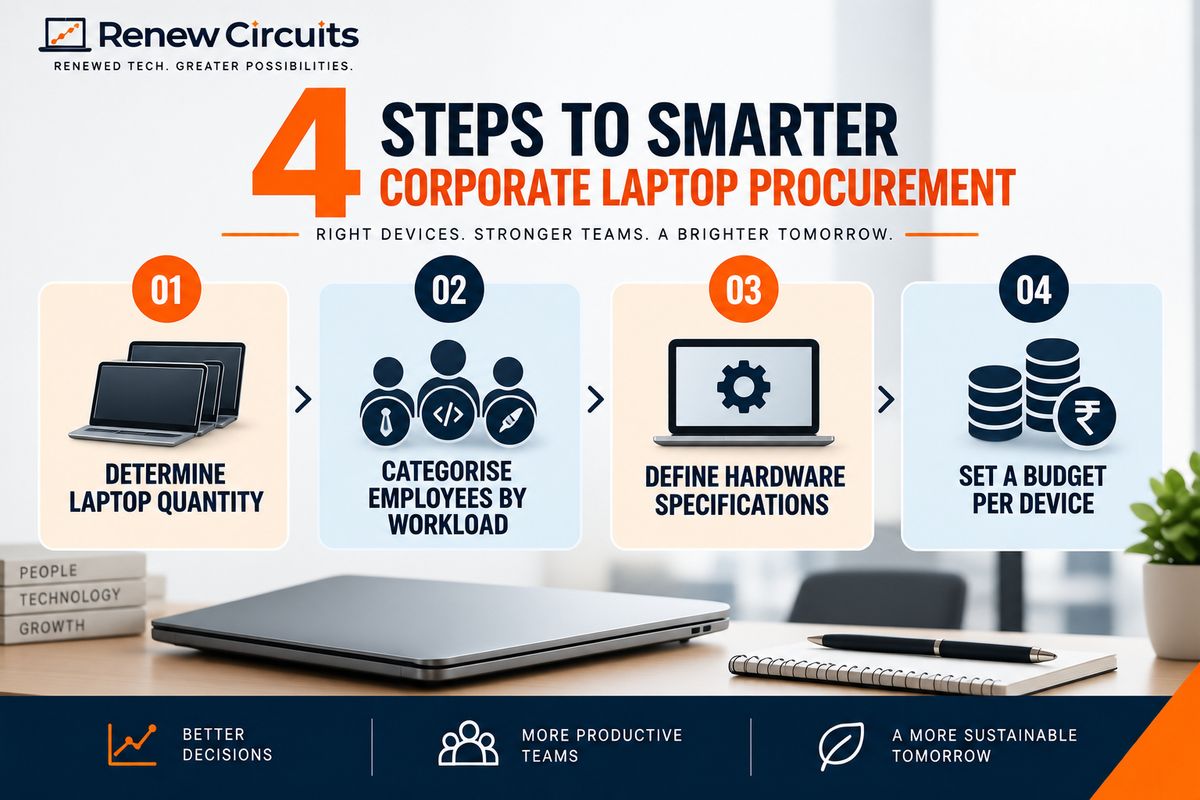
Step 1: Determine How Many Laptops You Need
Start by assessing current and upcoming requirements.
Consider:
- New employee onboarding
- Department expansion
- Replacement of ageing devices
- Temporary or contract employees
- Remote employees
- New offices or locations
- Backup devices
Where possible, procurement teams should coordinate with HR and department heads to forecast future demand rather than purchasing hardware only when a requirement becomes urgent.
Step 2: Categorise Employees by Workload
Not every employee needs the same laptop.
Creating user profiles helps businesses avoid both over-specification and under-specification.
For example, employees can broadly be grouped into:
General Office Users: Email, web applications, spreadsheets, documents and video conferencing.
Sales and Remote Teams: Similar productivity requirements, with greater emphasis on portability, battery performance, webcam quality and connectivity.
Developers and Technical Teams: Potentially higher processor, RAM and storage requirements depending on development environments.
Creative Professionals: Design, editing and other demanding applications may require significantly more powerful hardware.
The exact configuration should always be based on the software and workload used by each team.
Step 3: Define Minimum Hardware Specifications
Once employee profiles are established, define minimum specifications for each group.
Evaluate:
- Processor and generation
- RAM
- SSD storage
- Display size and resolution
- Battery requirements
- Webcam
- Wi-Fi and Bluetooth
- Required ports
- Graphics requirements
- Operating system
This specification sheet can then be shared with suppliers when requesting quotations.
Step 4: Set a Budget Per Device
Instead of starting with a laptop model, establish an acceptable budget range for each employee category.
For example, general office users may have one budget band while developers or creative teams have another.
This prevents businesses from purchasing unnecessarily expensive hardware for employees whose workloads do not require it.
New vs Refurbished Laptops for Corporate Procurement
One important decision is whether the organisation should purchase new or refurbished laptops.
Both can have a place within a corporate hardware strategy.
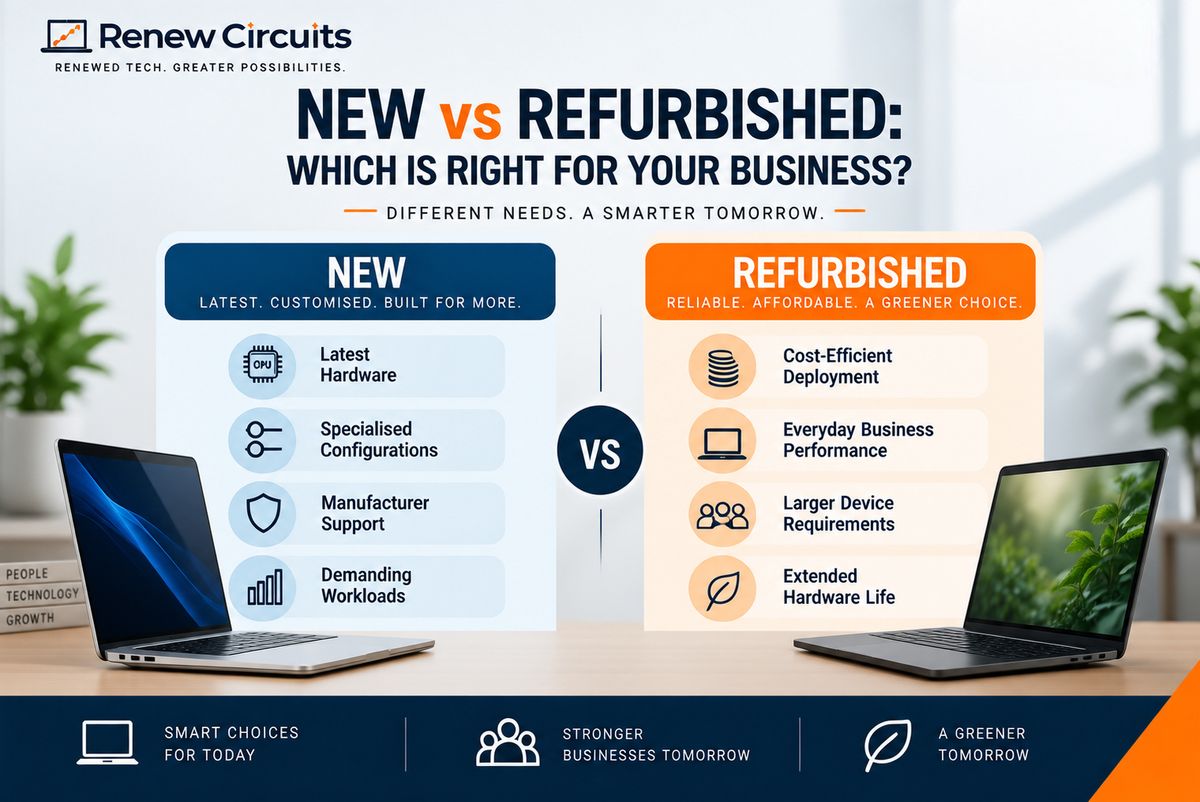
When New Laptops May Make Sense
New laptops may be preferable when businesses require:
- The latest processors or hardware
- Highly specialised configurations
- Specific manufacturer support
- New technologies unavailable on older models
- Hardware for demanding workloads
When Refurbished Laptops May Make Sense
Refurbished business laptops can be considered when organisations prioritise:
- Cost-efficient deployment
- Everyday business performance
- Larger device requirements
- Established business-class laptop models
- Extending the useful life of existing technology
Professionally refurbished devices should be inspected and tested before resale. Businesses should therefore evaluate the supplier's refurbishment process, warranty and quality standards before placing a large order.
The right decision depends on the company's workload, budget, procurement scale and device lifecycle requirements.
What Should Companies Look for in a Laptop Supplier?
The supplier can have a significant impact on the success of a corporate deployment.
Businesses should evaluate more than price.
Inventory and Scalability
If you require multiple devices with similar configurations, ask whether the supplier can provide the required quantity.
Consistent specifications can make deployment and ongoing IT management easier.
Quality-Control Process
When purchasing refurbished hardware, understand exactly how devices are tested.
Businesses should ask whether important components such as the display, keyboard, storage, RAM, battery, webcam, Wi-Fi and connectivity ports are checked before dispatch.
Warranty Coverage
Ask:
- How long does the warranty last?
- What components are covered?
- What is excluded?
- How are warranty claims raised?
- Is repair or replacement available?
These details should be clear before procurement is approved.
Documentation and Invoicing
Corporate purchases require appropriate documentation for accounting and asset management.
Confirm invoice requirements and maintain accurate records of devices purchased.
After-Sales Support
Hardware issues can occur even with carefully selected devices.
A B2B supplier should have a clearly defined process for handling support, repairs, warranty claims and replacements.
How to Compare Laptop Procurement Quotations
The lowest quotation is not automatically the best procurement decision.
When comparing suppliers, evaluate the complete offer.
Compare Specifications Like-for-Like
A lower-priced laptop may use an older processor, less RAM, smaller SSD or different display.
Create a common specification sheet and ask each supplier to quote against the same requirements.
Compare Warranty Terms
Two quotations with similar hardware prices can offer very different warranty coverage.
Warranty should therefore be treated as part of the procurement value—not as an afterthought.
Compare Device Condition
For refurbished laptops, understand the supplier's grading and cosmetic standards.
Ask what level of physical wear is acceptable and whether device condition will be reasonably consistent across the order.
Compare Support and Fulfilment
Consider whether the supplier can meet your delivery schedule and provide support after deployment.
This becomes increasingly important as order quantities grow.
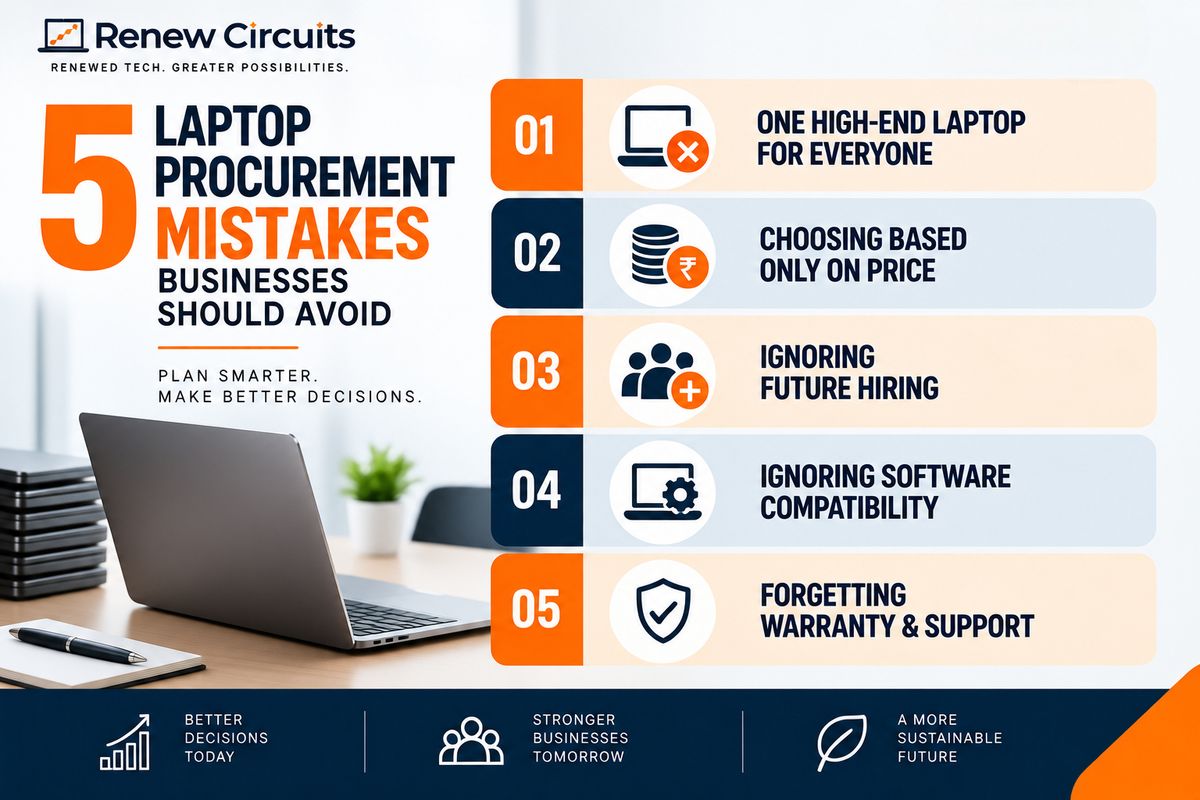
Common Corporate Laptop Procurement Mistakes
Even experienced teams can make avoidable procurement mistakes.
Buying the Same High-End Laptop for Everyone
Standardisation is useful, but that does not mean every employee needs premium specifications.
Creating a few standard configurations according to workload is usually more efficient.
Choosing Based Only on Price
The cheapest device can become expensive if it produces frequent support issues, fails to meet software requirements or needs early replacement.
Consider the overall value and expected lifecycle.
Ignoring Future Hiring
Companies that are actively hiring should incorporate expected employee growth into procurement planning.
Otherwise, IT teams can end up making frequent small purchases under tight deadlines.
Ignoring Software Compatibility
Always confirm that selected devices meet the requirements of critical business applications and the organisation's operating system policies.
Forgetting Warranty and Support
Warranty conditions should be reviewed before placing an order, particularly when purchasing devices in larger quantities.
How Refurbished Laptops Can Fit Into IT Hardware Procurement
Refurbished laptops do not have to replace every new-device purchase.
Instead, businesses can use a mixed procurement model.
For example, employees with highly demanding workloads might receive newer, higher-performance systems, while general office teams can use suitable refurbished business laptops.
This approach allows organisations to align hardware spending more closely with actual employee requirements.
Business-class models from product families such as Dell Latitude, Lenovo ThinkPad and HP EliteBook are commonly found within the refurbished market and can be considered according to the required configuration and availability.
Corporate Laptop Procurement Checklist
Before approving your next laptop order, check the following:
- Number of devices required
- Employee/user categories
- Minimum processor requirement
- Required RAM
- SSD capacity
- Operating system requirements
- Application compatibility
- Battery requirements
- Required ports
- Webcam and connectivity
- Device condition
- Supplier quality-control process
- Warranty coverage
- Repair/replacement process
- Invoice requirements
- Delivery timeline
- After-sales support
- Future hiring requirements
- Device replacement strategy
A standard procurement checklist helps IT and procurement teams evaluate every order consistently.
How Renew Circuits Can Support Business Laptop Procurement
Renew Circuits provides refurbished technology solutions for organisations looking to procure laptops for business requirements.
Instead of treating corporate purchasing like an individual retail transaction, businesses can discuss requirements such as quantity, preferred specifications, employee workloads and deployment needs before selecting suitable systems.
This can be useful for startups, SMEs and larger organisations looking for refurbished laptops as part of their corporate laptop procurement strategy.
Availability, configurations, warranty conditions, pricing and fulfilment requirements should be confirmed with the Renew Circuits team based on the specific order.
Build a Smarter Corporate Laptop Procurement Strategy
Successful corporate laptop procurement is not about finding the cheapest laptop. It is about finding the right balance between performance, cost, reliability and manageability.
Start by understanding employee workloads. Define standard configurations. Compare suppliers against consistent requirements. Review warranty and support carefully. And consider both new and professionally refurbished hardware according to your organisation's needs.
A structured approach to business laptop procurement can help businesses control IT expenditure while ensuring employees receive devices appropriate for their work.
Planning laptop procurement for your organisation? Contact Renew Circuits to discuss your quantity, specifications and business requirements.
Frequently Asked Questions
1. What is corporate laptop procurement?
Corporate laptop procurement is the process of identifying, evaluating, purchasing and managing laptops for employees or teams within an organisation. It can include requirement planning, specifications, budgeting, supplier evaluation, deployment and lifecycle management.
2. How should a company choose laptops for employees?
Companies should first categorise employees according to workload and then define suitable processor, RAM, storage, display, battery and connectivity requirements for each category.
3. What should businesses consider when buying laptops in bulk?
Businesses should consider specifications, quantity, model consistency, supplier reliability, warranty, quality control, software compatibility, documentation, delivery timelines and after-sales support.
4. Is it better for companies to buy new or refurbished laptops?
It depends on the organisation's requirements. New laptops may suit teams requiring the latest or highly specialised hardware, while professionally refurbished laptops can be considered for cost-efficient business deployments where suitable specifications are available.
5. What is IT hardware procurement?
IT hardware procurement is the broader process through which organisations plan, source, purchase and manage technology hardware such as laptops, desktops, monitors and other workplace devices.