
Best Refurbished Laptops for Office Work: A B2B Buying Guide
Office laptops do not need to be the most expensive devices available. They need to be reliable, responsive and capable of handling the applications employees use every day.
For businesses equipping multiple employees, finding the right balance between performance and procurement cost is important. This is where refurbished laptops for offices can become part of a practical B2B procurement strategy.
But not every refurbished laptop is suitable for business use. Processor generation, RAM, storage, battery condition, connectivity, warranty and supplier quality standards should all be evaluated before placing an order.
This guide explains how businesses can choose suitable refurbished laptops for office employees and what to check before purchasing.
What Are Refurbished Laptops for Office Work?
Refurbished laptops are previously used devices that have been inspected and tested before being offered for resale.
For B2B buyers, a refurbished device should not be evaluated in the same way as an unverified second-hand laptop. Businesses should understand:
- Device specifications
- Functional and cosmetic condition
- Testing process
- Battery condition
- Operating system compatibility
- Warranty
- After-sales support
A suitable refurbished office laptop should ultimately be selected according to the employee's workload rather than price alone.
Why Businesses Consider Refurbished Laptops for Offices
When a company needs laptops for multiple employees, hardware costs can quickly become a significant part of the IT budget.
Cost-Efficient Office Deployment
Many everyday office tasks do not require the newest or highest-performance laptop.
Employees working primarily with email, browsers, spreadsheets, documents, CRM platforms and video conferencing may be able to work effectively on suitable business-class refurbished hardware.
Access to Business-Class Laptops
The refurbished market frequently includes established business laptop families designed for professional environments.
Options such as Dell Latitude, Lenovo ThinkPad and HP EliteBook can be considered according to available specifications, condition and inventory.
Suitable for Larger Teams
Businesses hiring several employees at once may need multiple devices within a defined budget.
Refurbished hardware can be considered alongside new devices when planning these deployments. Companies with larger requirements can also evaluate bulk laptop orders based on quantity and required configurations.
Refurbished vs Used Laptops for Office Work
Businesses should understand the distinction between refurbished and simply used hardware.
Used Laptops
A used laptop is generally sold in its existing condition. The level of testing, repair, warranty and quality control can vary depending on the seller.
Refurbished Laptops
A professionally refurbished laptop should go through an inspection and testing process before resale.
For B2B procurement, companies should ask the supplier exactly what its refurbishment process includes rather than relying on the word “refurbished” alone.
What Specifications Do Office Employees Need?
There is no single specification suitable for every employee. The correct configuration depends on the applications and workload associated with each role.
Processor and RAM
Businesses should consider both processor model and generation rather than evaluating laptops based only on labels such as Intel Core i5 or Core i7.
RAM should also match the employee's multitasking requirements, operating system and software.
SSD Storage
SSD storage can support responsive everyday performance. Businesses should choose capacity according to how much data employees need to store locally.
Employees primarily using cloud-based systems may have different requirements from employees working with larger local files.
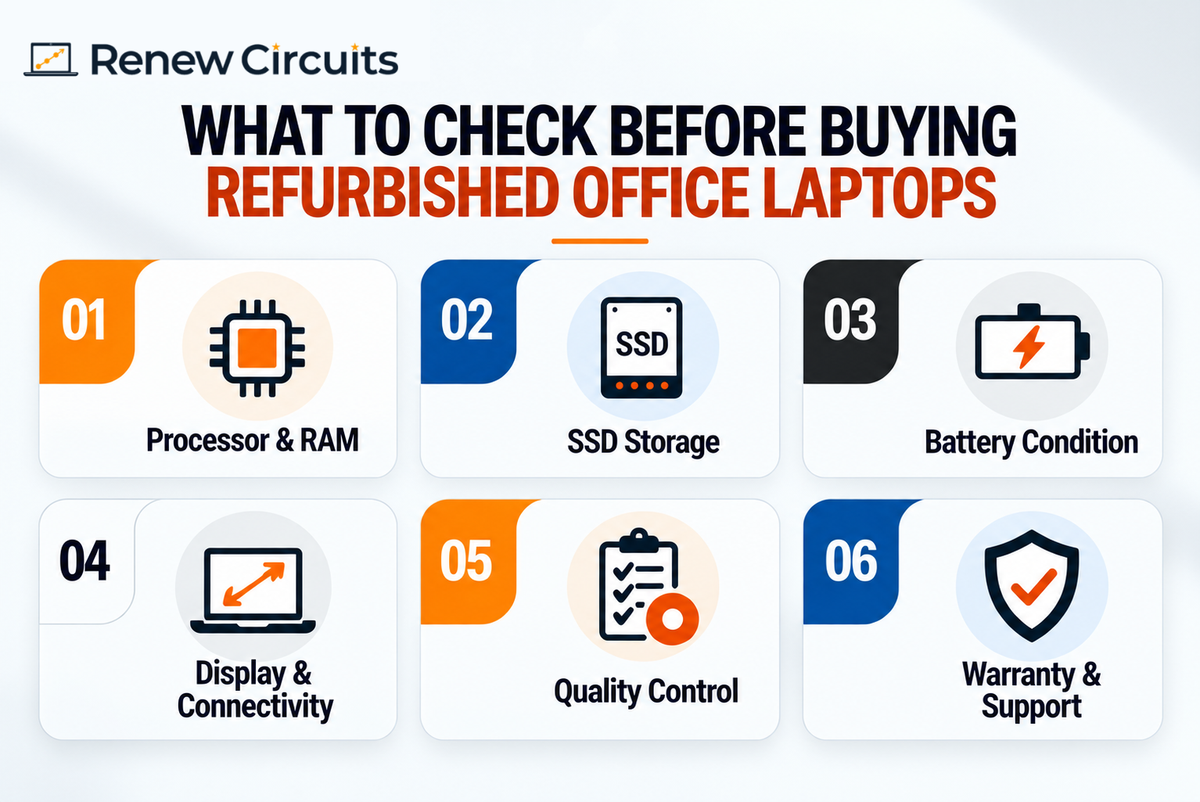
Battery, Webcam and Connectivity
Battery condition is particularly important for remote employees and professionals who travel frequently.
Businesses should also check:
- Webcam
- Wi-Fi
- Bluetooth
- USB ports
- Display outputs
- Audio
- Other required connectivity
Best Refurbished Laptop Types for Different Office Employees
Rather than purchasing one configuration for everyone, businesses can create hardware profiles based on employee workloads.
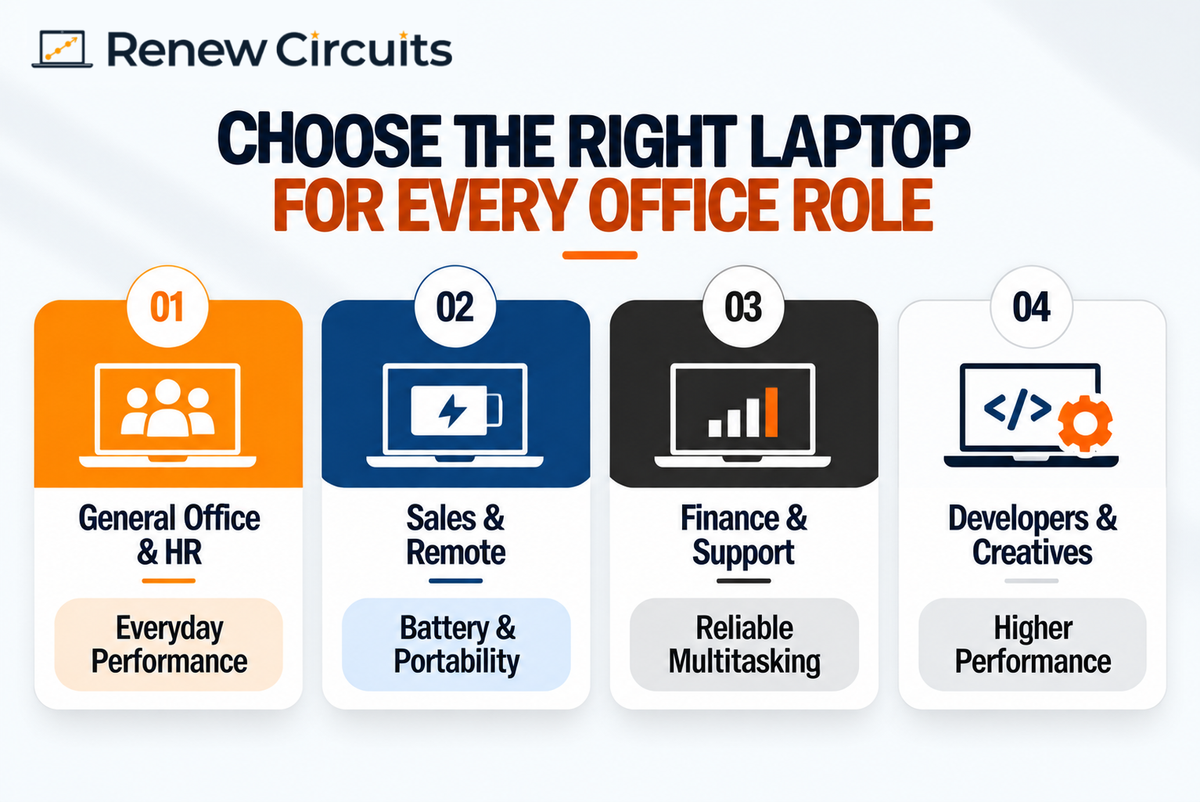
General Office, HR and Administrative Teams
Employees working primarily with email, documents, spreadsheets, browsers and business applications generally need dependable everyday performance.
Prioritise suitable processing performance, sufficient RAM, SSD storage, webcam functionality and connectivity.
Sales and Remote Employees
Employees who regularly travel or work remotely may benefit from greater emphasis on:
- Portability
- Battery performance
- Webcam
- Wi-Fi
- Bluetooth
- Comfortable keyboard
Finance and Customer Support Teams
Finance employees may work extensively with spreadsheets and accounting software, while support teams may rely on CRM platforms, browsers and communication tools.
Reliable multitasking performance and consistent configurations can be useful for both groups.
Developers and Creative Teams
Software development, graphic design, animation and video editing may require stronger processors, additional RAM, larger SSDs or dedicated graphics.
Businesses should confirm application-specific requirements before choosing devices for these employees.
Business Laptop Families to Consider
Several established business-oriented laptop families are commonly considered for professional workloads.
Dell Latitude
Dell Latitude laptops are designed around business use cases. Companies can explore refurbished Dell laptops and compare available processors, RAM, storage and display options.
Lenovo ThinkPad
Lenovo ThinkPad is another established business laptop family. Businesses should compare individual models, generations and specifications rather than assuming every ThinkPad provides the same performance.
HP EliteBook
HP EliteBook laptops are also designed for professional environments. Evaluate available models according to employee workloads, condition, specifications and warranty.
How to Choose Refurbished Laptops for Multiple Employees
B2B procurement should be more structured than selecting individual laptops based only on price.
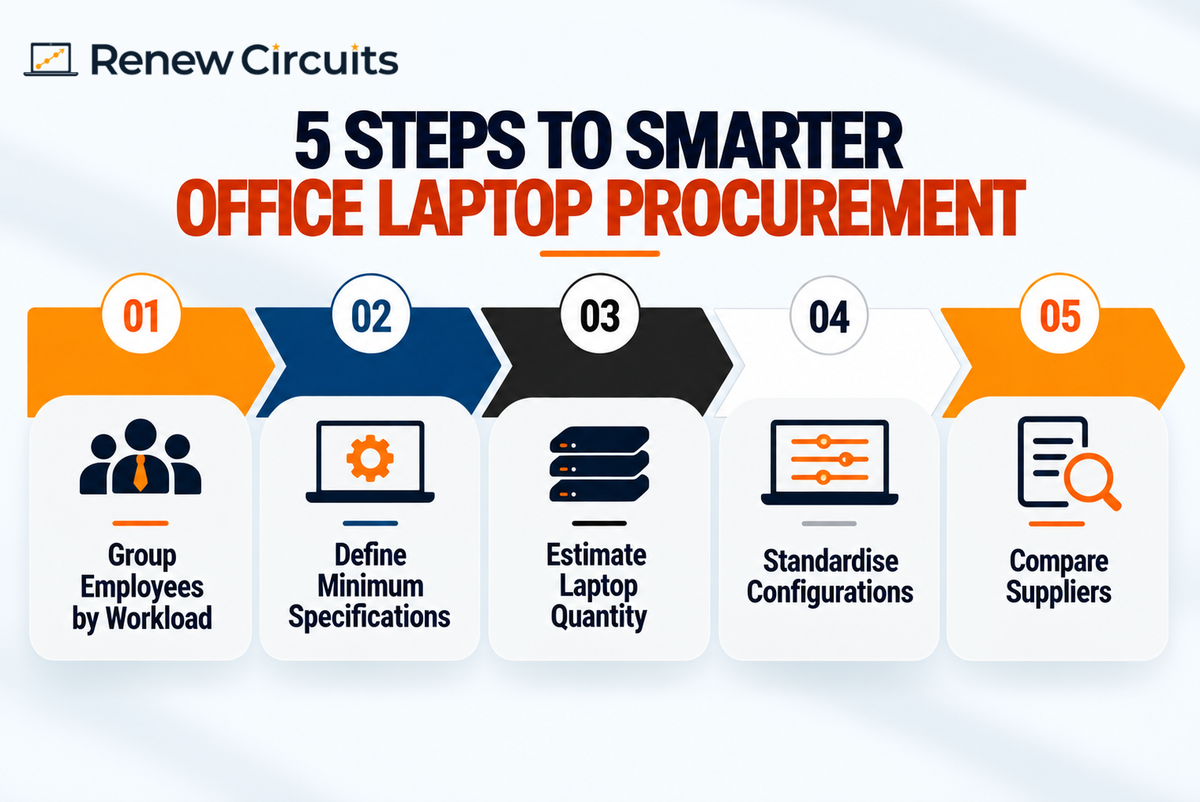
Step 1: Group Employees by Workload
Create categories such as:
- General office
- Sales and remote
- Finance
- Customer support
- Technical
- Creative
Step 2: Define Minimum Specifications
Set minimum requirements for processor, RAM, SSD, display, webcam, battery, connectivity and operating system for each employee category.
Step 3: Estimate Quantity
Determine how many laptops are required immediately and consider confirmed or expected hiring.
Step 4: Standardise Where Practical
Using a limited number of configurations can simplify onboarding, software deployment, troubleshooting and hardware replacement.
Step 5: Compare Suppliers
Provide suppliers with the same minimum specifications. This makes it easier to compare similar devices, warranty terms and commercial quotations.
What to Check Before Buying Refurbished Office Laptops
The supplier and refurbishment process can be as important as the laptop model itself.
Quality-Control Process
Ask how important components are inspected and tested, including:
- Display
- Keyboard and trackpad
- RAM and storage
- Battery
- Webcam
- Wi-Fi and Bluetooth
- Connectivity ports
- Audio
Device and Battery Condition
Functional and cosmetic condition should be considered separately.
Ask what cosmetic condition can be expected and how battery condition is evaluated before devices are supplied.
Warranty and Support
Understand:
- Warranty duration
- Covered components
- Exclusions
- Claim procedure
- Repair or replacement process
- After-sales support
Inventory Consistency
For larger orders, confirm whether similar models and configurations can be supplied across the deployment.
Consistent hardware can make device management easier for internal IT teams.
Common Mistakes When Buying Refurbished Laptops for Offices
Businesses can improve procurement decisions by avoiding a few common mistakes.
Choosing Only by Price
The cheapest laptop may not provide the best value if it cannot reliably support the employee's workload.
Buying the Same Specification for Everyone
Different roles have different hardware requirements. Create a small number of standard configurations rather than buying unnecessarily powerful devices for every employee.
Ignoring Processor Generation
Do not compare laptops using only Core i5 or Core i7 labels. Consider the processor model and generation as well.
Ignoring Warranty and Battery Condition
Warranty and battery requirements should be reviewed before placing a larger order, particularly when laptops will be used by mobile employees.
Refurbished Laptop Procurement Checklist for Offices
Before purchasing refurbished laptops, check:
- Number of devices required
- Employee roles
- Processor model and generation
- RAM
- SSD capacity
- Display
- Battery condition
- Webcam
- Connectivity
- Required ports
- Operating system
- Application compatibility
- Device condition
- Quality-control process
- Warranty
- Repair or replacement process
- Delivery timeline
- After-sales support
How Renew Circuits Can Support Office Laptop Procurement
Renew Circuits works with organisations looking for refurbished technology for business requirements.
Companies can evaluate devices based on employee workloads, required configurations and quantity. Businesses with larger or organisation-wide requirements can also explore Enterprise & Corporate solutions.
Where the requirement is temporary rather than permanent, organisations can consider laptop rental as an alternative to purchasing additional hardware.
Specific availability, configurations, device condition, pricing, warranty and fulfilment requirements should be confirmed according to the organisation's requirements.
Choose Office Laptops Based on Workload, Not Just Price
The best refurbished laptops for offices are not necessarily the cheapest devices or the models with the highest specifications.
The right laptop is one that reliably supports the employee's workload while fitting the organisation's procurement requirements.
Start by categorising employees, define minimum specifications for each group, compare suppliers using the same requirements and review device condition, testing and warranty before purchasing.
This structured approach can help businesses build an office laptop fleet that balances performance, manageability and procurement cost.
Frequently Asked Questions
1. Are refurbished laptops good for office work?
Yes, refurbished laptops can be suitable for office work when their specifications and condition meet employee requirements. Businesses should evaluate processor generation, RAM, SSD storage, battery condition, testing, warranty and software compatibility before purchasing.
2. What specifications should a refurbished office laptop have?
Specifications depend on the employee's workload. Businesses should consider processor performance, RAM, SSD storage, battery requirements, webcam, connectivity and operating-system compatibility rather than applying one configuration to every employee.
3. Which refurbished laptop brands are suitable for office use?
Business-oriented product families such as Dell Latitude, Lenovo ThinkPad and HP EliteBook can be considered. Businesses should compare individual models, generations, specifications, condition and warranty rather than choosing solely by brand.
4. Can businesses buy refurbished laptops in bulk?
Yes, subject to supplier inventory. Businesses should define the required quantity, minimum specifications, warranty requirements and delivery timeline before requesting a bulk quotation.
5. What should businesses check before buying refurbished laptops?
Businesses should check specifications, device and battery condition, quality-control procedures, operating-system compatibility, warranty, inventory consistency, delivery capability and after-sales support.